

When each installation already has a row in Google Sheets™, QR Code Status Tracker gives field and office teams one clear view of its current condition, latest inspection step, notes, and history.
Install QR Code Status Tracker
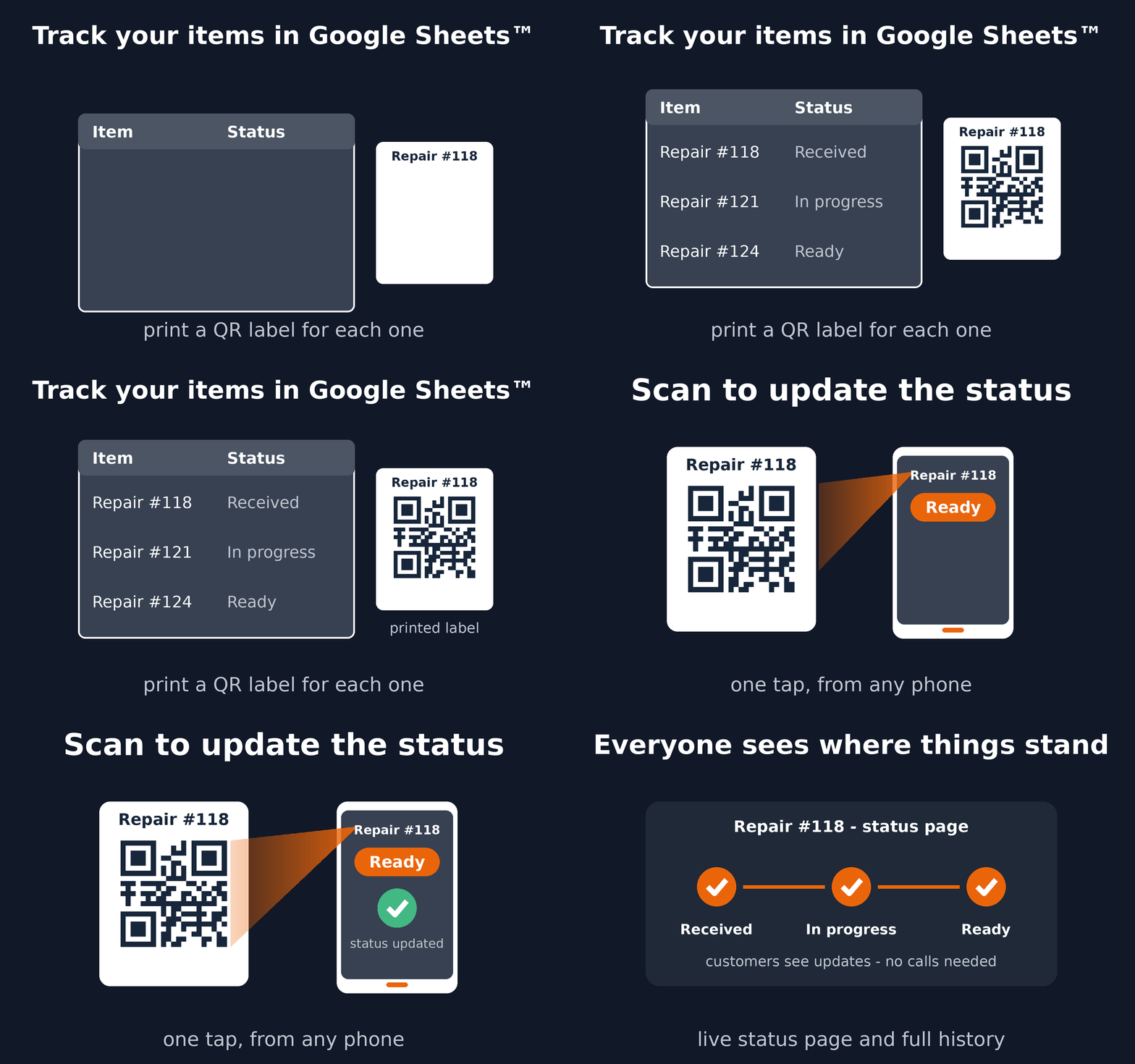
See the complete workflow
A practical inspection workflow
- Keep one installation per spreadsheet row.
- Choose steps such as Due, Inspected, Needs repair, and Ready.
- Use an existing asset code, or generate and print QR labels.
- Scan the installation in the field to update its status and add a note.
- Review its current condition and status history from Google Sheets™.
When to use a custom Trak setup
Choose a custom Trak setup for repeated structured inspection forms, measurements, GPS, signatures, photos, dynamic locations, or integrations. For a straightforward installation list and named inspection states, start with QR Code Status Tracker.
Read the setup guide or install the add-on from Google Workspace Marketplace™.
Google Sheets™ and Google Workspace Marketplace™ are trademarks of Google LLC.