
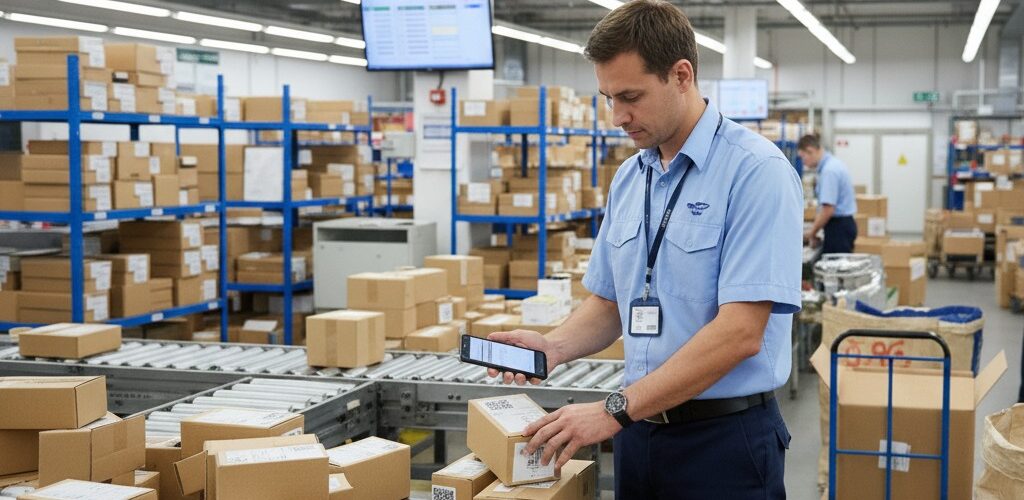
QR Code Status Tracker is the simplest way to turn a parcel manifest or delivery list into a live tracking workflow. Each row becomes a parcel your team can identify, move through clear steps, and share with the recipient.
Install QR Code Status Tracker
See the complete workflow
A practical parcel workflow
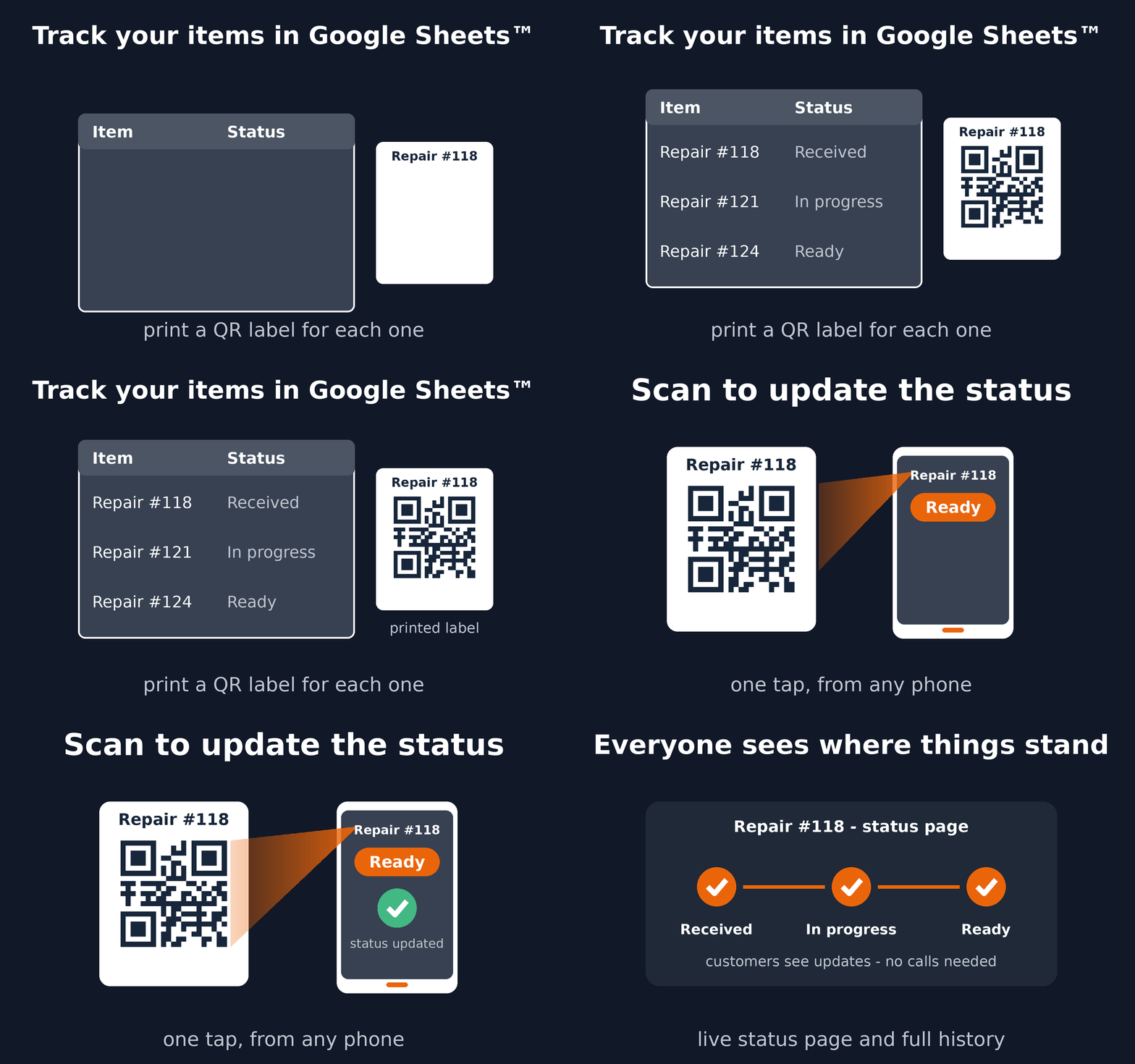
- Keep one parcel per row in Google Sheets™.
- Choose steps such as Received, Out for delivery, and Delivered.
- Use an existing parcel code, or let the add-on create printable QR labels.
- Scan a parcel to update its status and preserve its history.
- Optionally send the recipient a private link where they can follow progress without opening your spreadsheet.
What your team gets
- A guided setup inside Google Sheets™—no separate tracking system to configure.
- Fewer parcel-matching mistakes because staff scan the code instead of searching manually.
- A current status and complete scan history for every parcel.
- Customer progress updates without exposing internal spreadsheet data.
When to use a custom Trak setup
Choose a custom Trak setup when you need driver assignment, GPS, signatures, proof-of-delivery forms, dynamic locations, or integrations. For a parcel list moving through named statuses, start with QR Code Status Tracker.
Read the setup guide or install the add-on from Google Workspace Marketplace™.
Google Sheets™ and Google Workspace Marketplace™ are trademarks of Google LLC.
QR Code Status Tracker documents: Terms of Service and Privacy Policy.