
Tally users can now turn form submissions into QR-coded event tickets. QR Code Tickets for Tally is live at tally.trak.codes — the same ticketing and check-in workflow we already offer for Google Sheets, Google Forms, Jotform, and WordPress.
Tally has become a favorite for event registration forms: free, unlimited, and quick to build. What it doesn’t do is send each respondent a check-in ticket. That is exactly the gap this fills — every submission becomes a unique QR ticket, emailed to the attendee automatically.
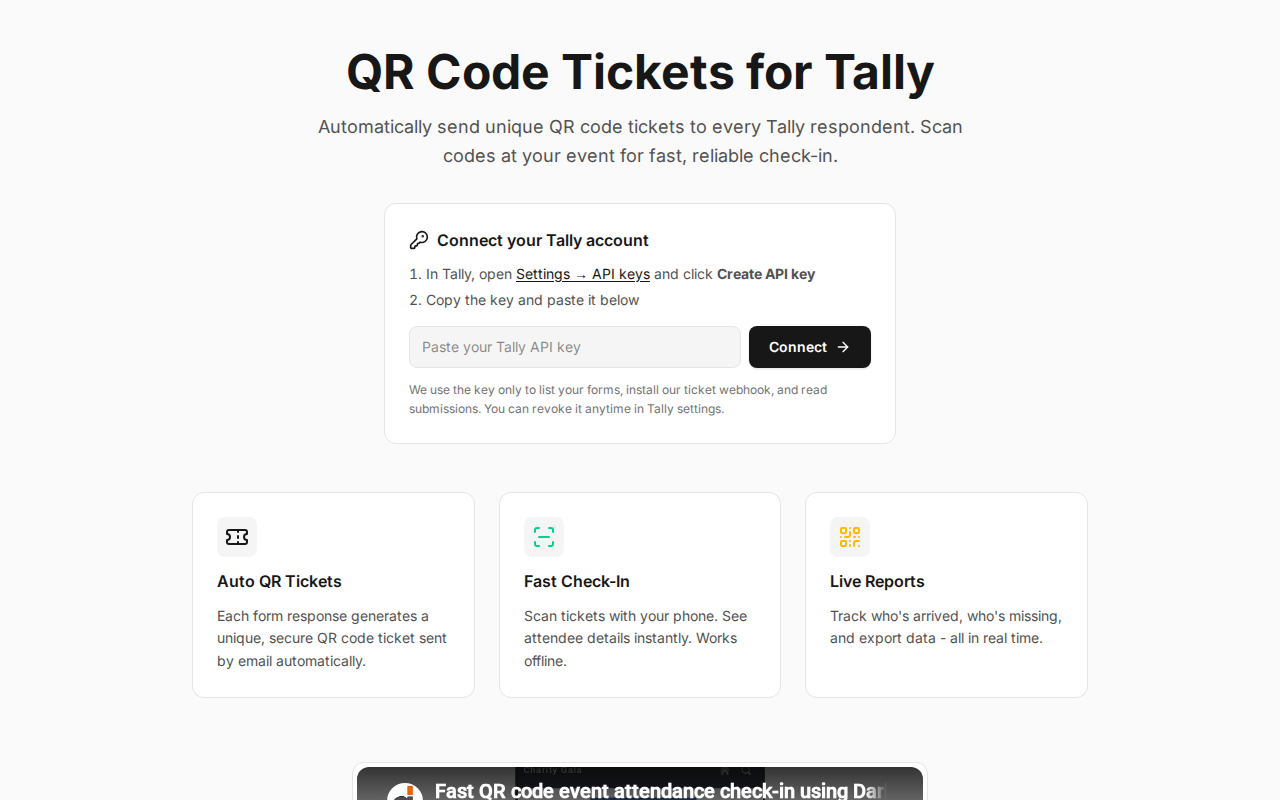
How it works
- Open tally.trak.codes and paste a Tally API key (create one in Tally under Settings → API keys).
- Pick the published form you want tickets for.
- Tell us which field holds the attendee’s email and adjust the ticket email if you like.
- Done. We install the webhook for you — every new submission gets a QR ticket by email.
There is nothing to copy-paste into Tally and no webhook to configure by hand. The API key is used only to list your forms, install our ticket webhook, and read submissions, and you can revoke it anytime from your Tally settings.
Scan tickets at the door
Check-in runs on the same Trak platform as our other add-ons: staff scan tickets with the mobile check-in app at scan.trak.codes, see attendee details instantly, and you get live arrival reports. Offline scanning, multiple devices, and repeat-entry protection are included.
Free for up to 10 attendees per event, with affordable credit bundles for larger events.
Create QR tickets for your Tally form →
Using a different form tool? The same ticketing workflow is available for Google Sheets and Google Forms, Jotform, and WordPress.
Tally is a trademark of Tally.so. This integration is built by Darkaa using the public Tally API and is not affiliated with or endorsed by Tally.
