
WordPress site owners can now turn their existing registration forms into QR-coded event tickets with Darkaa QR Tickets Check-In, now available in the WordPress.org Plugin Directory.
The plugin connects supported WordPress form plugins to Trak Events. Each enabled form can become an event registration flow that creates a ticket, sends it to the attendee, and gives staff a simple way to check people in.
Use the forms you already have
Darkaa QR Tickets Check-In works with Contact Form 7, WPForms, Fluent Forms, Forminator, Formidable Forms, and Ninja Forms. There is no need to rebuild an event registration form in a separate system.
From submission to check-in
- Choose the form fields that identify and contact each attendee.
- Create a Trak event from the WordPress admin.
- Generate a unique QR ticket for every enabled form submission.
- Attach the ticket PDF to the form plugin's normal notification email when needed.
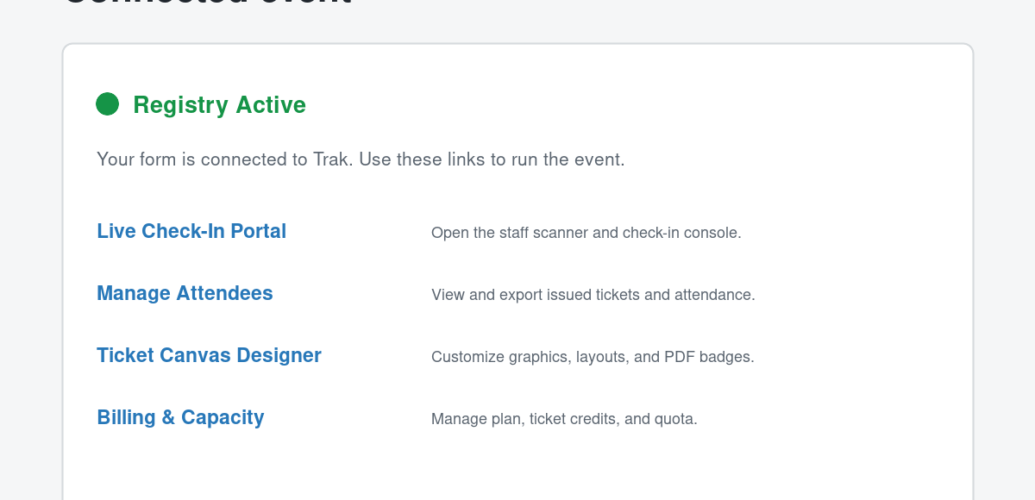
- Use the connected links for ticket design, attendee reports, capacity management, and mobile check-in.
Get started in WordPress
- Install Darkaa QR Tickets Check-In from WordPress.org.
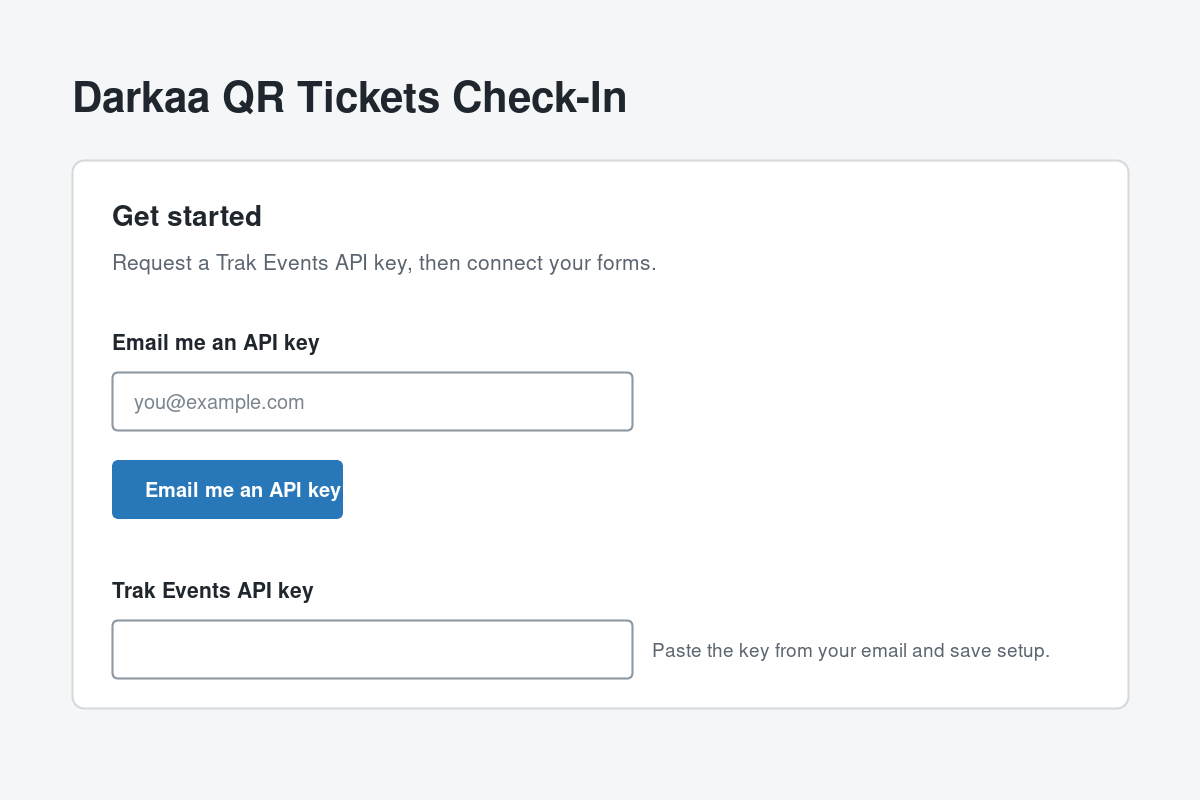
- Activate the plugin and open QR Tickets in the WordPress admin sidebar.
- Request or enter a Trak Events API key on the setup page.
- Choose a supported form, click Configure, and enable electronic ticketing.
- Send a test submission, then use the generated Trak links to prepare your event.
Install the WordPress plugin →
Read the complete Darkaa QR Tickets Check-In guide for screenshots, configuration details, supported form plugins, and data-handling information. A Trak Events API key and the hosted Trak service are required to create ticket events.
WordPress is a trademark of the WordPress Foundation.
