
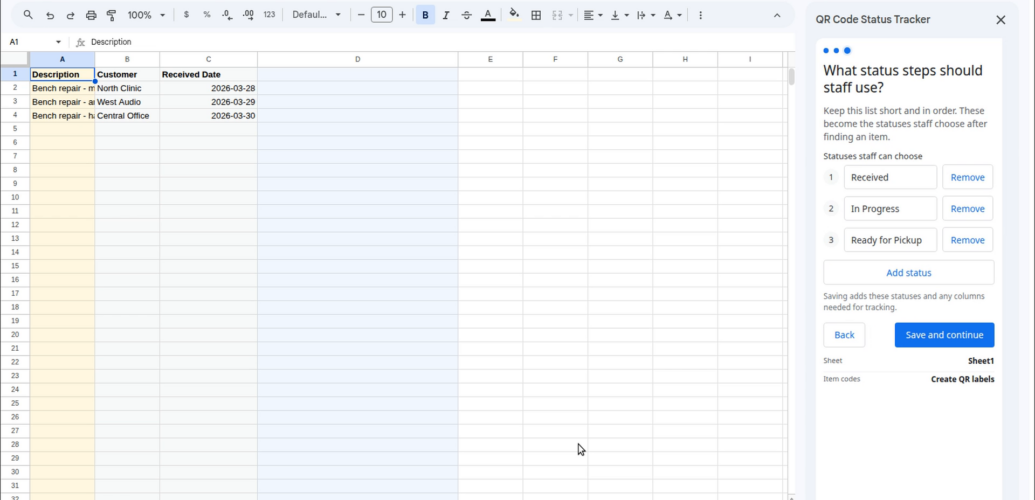
Keeping an item list in Google Sheets™ is easy. Keeping each item’s current status, history, and customer update in sync is where a spreadsheet starts to strain.
QR Code Status Tracker turns those rows into a guided workflow. Staff can identify an item, move it through your chosen steps, and see what happened before without leaving the sheet.
Install from Google Workspace Marketplace™
Watch the product demo
Use the labels you have, or create QR labels
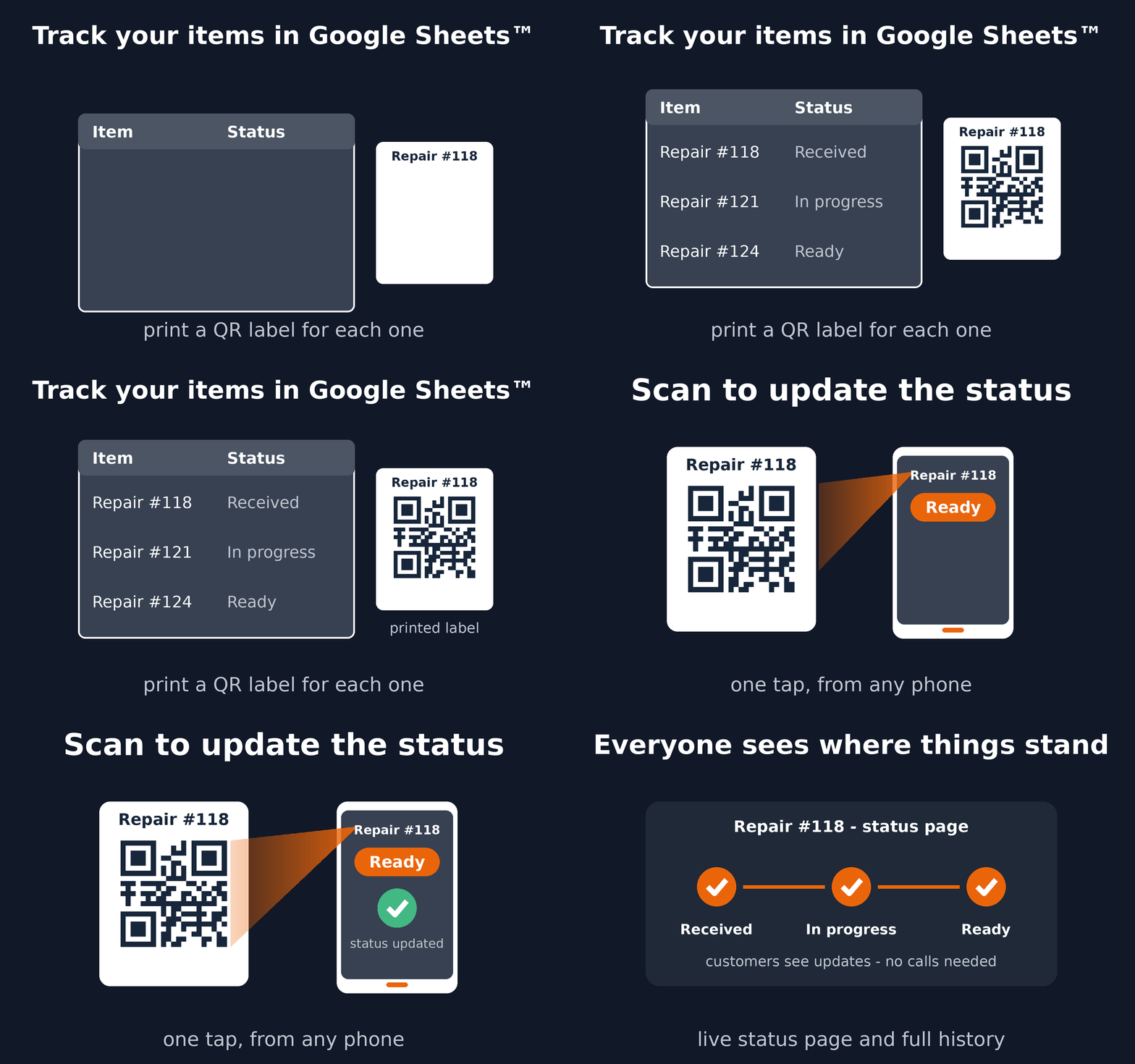
If your items already have job codes, serial numbers, barcodes, or QR codes, choose the matching column. If they do not, the add-on can create stable tracking codes and a printable QR label PDF.
If you only need to print QR labels from IDs or URLs you already have, use our free QR code label sheet generator. Paste values or upload a CSV, choose Avery, A4, Letter, or custom label paper, and download the PDF without signing in.
Create a QR label sheet for free
Move items through your real workflow
- Choose simple status steps such as Received, In Progress, and Ready for Pickup.
- Find an item from the Google Sheets™ sidebar or scan it with a phone.
- Record each move, an optional note, and its history.
- Undo an accidental move while it is still recent.
- Optionally share a long, unguessable link where a customer can follow that item’s progress without accessing the spreadsheet.
Useful beyond repair shops
The same workflow works for equipment handoffs, laboratory samples, orders, staging, installations, service jobs, and production steps—anywhere people need a clear answer to “where is this item now?”
Get started
- Open the Google Sheets™ spreadsheet that contains your items.
- Install QR Code Status Tracker.
- Choose the item sheet, identification method, and status steps.
- Save the setup and start moving items.
See all setup and usage details in the QR Code Status Tracker user guide.
Google Sheets™ and Google Workspace Marketplace™ are trademarks of Google LLC.
QR Code Status Tracker documents: Terms of Service and Privacy Policy.
