
You collected registrations in Jotform all week. Now comes the part Jotform does not handle: getting every respondent their own scannable ticket, and checking a long line of guests through the door without chaos. QR Code Tickets for Jotform does both — every form submission automatically becomes a unique QR ticket, emailed to the attendee.
Why use QR code tickets for Jotform?
Here is what that changes on event day:
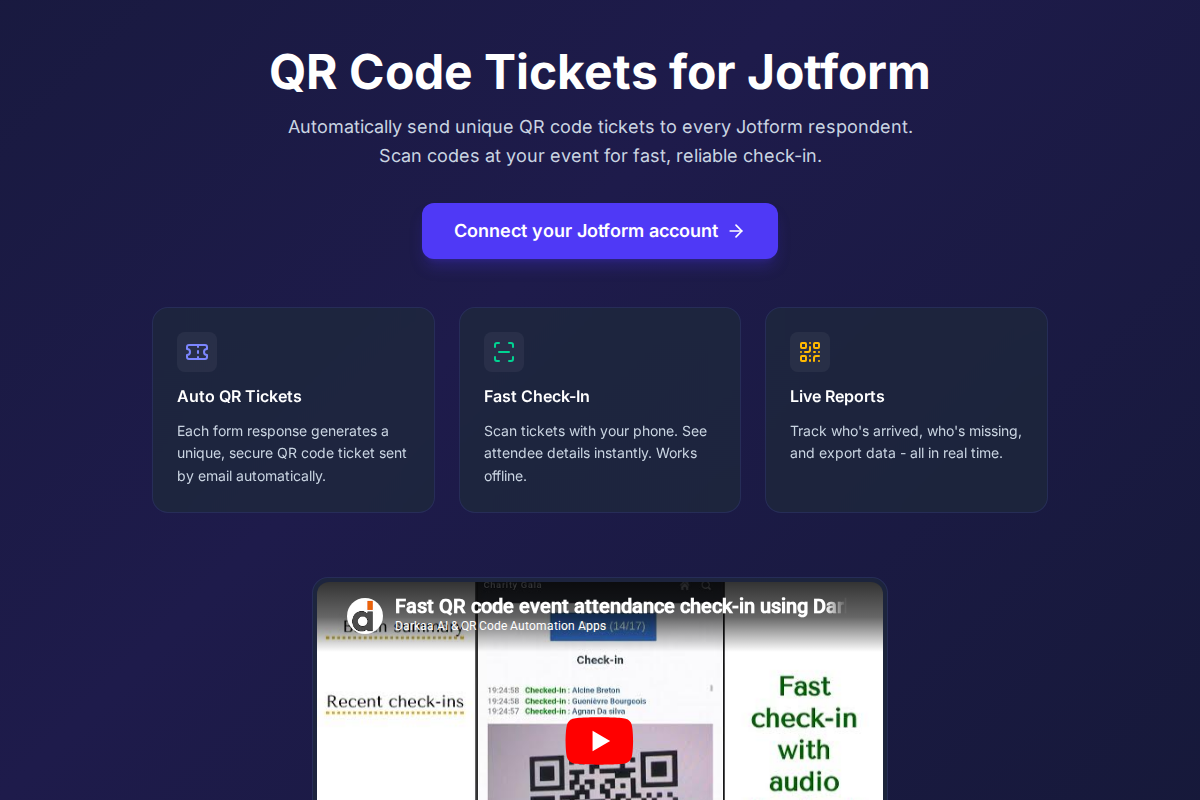
- Tickets go out by themselves: every respondent receives their own QR ticket by email right after submitting — nothing to send by hand.
- The door becomes a scan: staff scan each ticket with the check-in app on any smartphone, see the attendee’s details immediately, and duplicates are refused.
- You always know who came: arrivals are counted as they happen, and you can export the list whenever you need it.
How to get started
Getting started is simple:
- Go to jotform.trak.codes.
- Connect your Jotform account via OAuth.
- Select the form you want to use for your event.
- Activate ticket generation, and you’re ready to go!
For more advanced configurations, you can access the project settings directly from the dashboard, just like in our Google Sheets and Google Forms add-ons.
For WordPress sites, Darkaa QR Tickets Check-In for WordPress provides a similar QR ticket and attendee check-in workflow from supported WordPress forms.

1 Comment
Comments are closed.