
Every Google Form you publish creates a small promise: someone will take the time to fill it in, and you’ll do something useful with what they send. But when answers come in incomplete, off-topic, or missing the detail you actually need, that promise gets expensive to keep up with.
That’s the problem AI Response Feedback for Forms™ was built to solve.
What it does
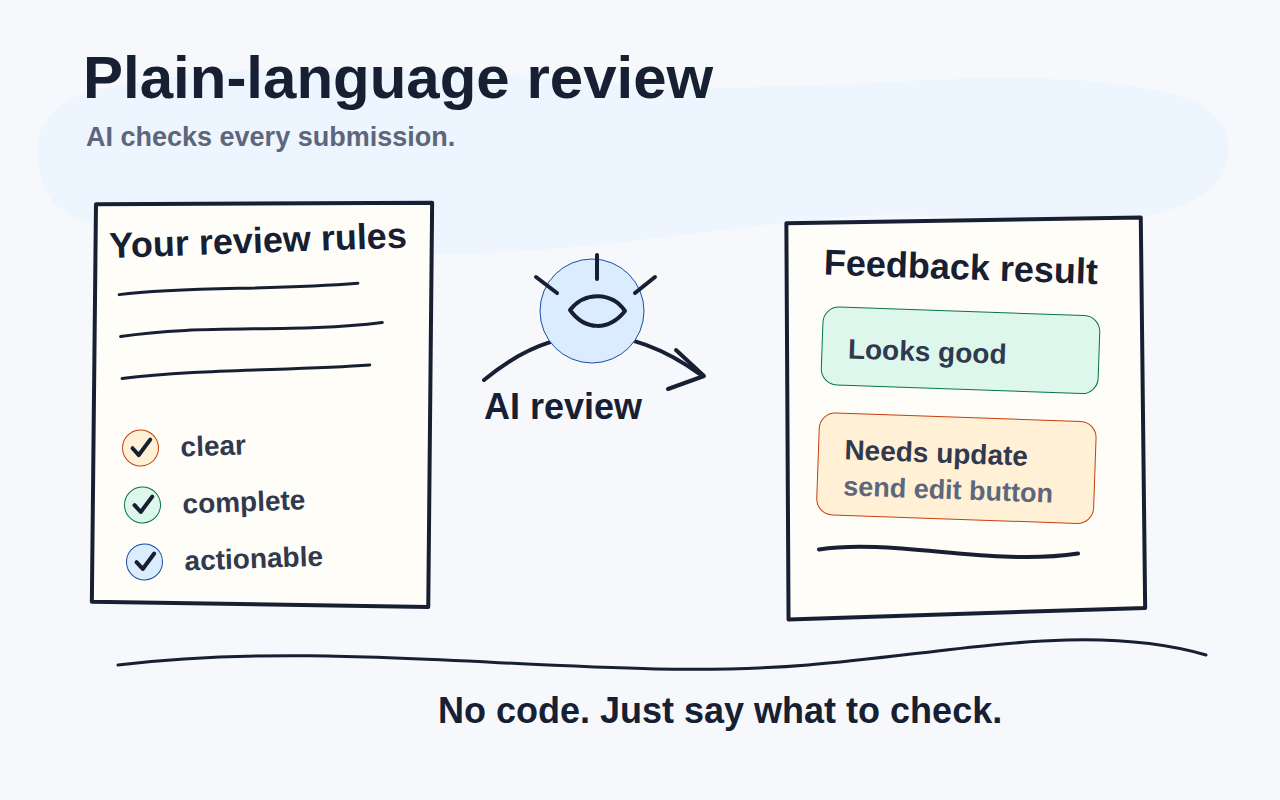
The add-on sits inside Google Forms and watches for new submissions. When one arrives, it asks an AI to read the response against instructions you wrote in plain language (no code or formulas needed) and then sends a feedback email to whoever you choose: the person who submitted, a central inbox, or both.
If the response doesn’t meet your requirements, the respondent gets a clear explanation and a link to update their answer. The add-on keeps checking until the submission is good enough, or until you turn it off.
Who it’s for
We built this for anyone who collects structured responses and needs to give useful feedback without spending hours on it:
- Teachers reviewing assignment submissions or project drafts
- Admissions teams processing applications
- Support or HR teams with intake forms that need a quality check
- Managers running internal forms where staff often miss required details
The AI never gets tired of reading carefully. It applies your rules the same way every time, at 2 PM or 2 AM.
A setup that holds your hand
The add-on opens with a short wizard. Seven steps, each explained in plain language:
- Tell the AI what to check
- Choose who receives feedback
- Choose where respondent emails come from
- Review the email template
- Choose the feedback service
- Send a test email
- Turn on automatic processing
No settings maze. When you reach the last step you know exactly what will happen when the next submission comes in.
Give it a try
The add-on is free to install from the Google Workspace Marketplace. Most users can use the included feedback service without any extra configuration.
Install from Google Workspace Marketplace →
If you want to understand every option before you start, the full user manual covers the setup wizard, email options, AI configuration, and how to handle edge cases. There’s also a short product demo on YouTube if you prefer to see it in action first.
Questions or feedback? Use the contact form on this site, we read everything.
